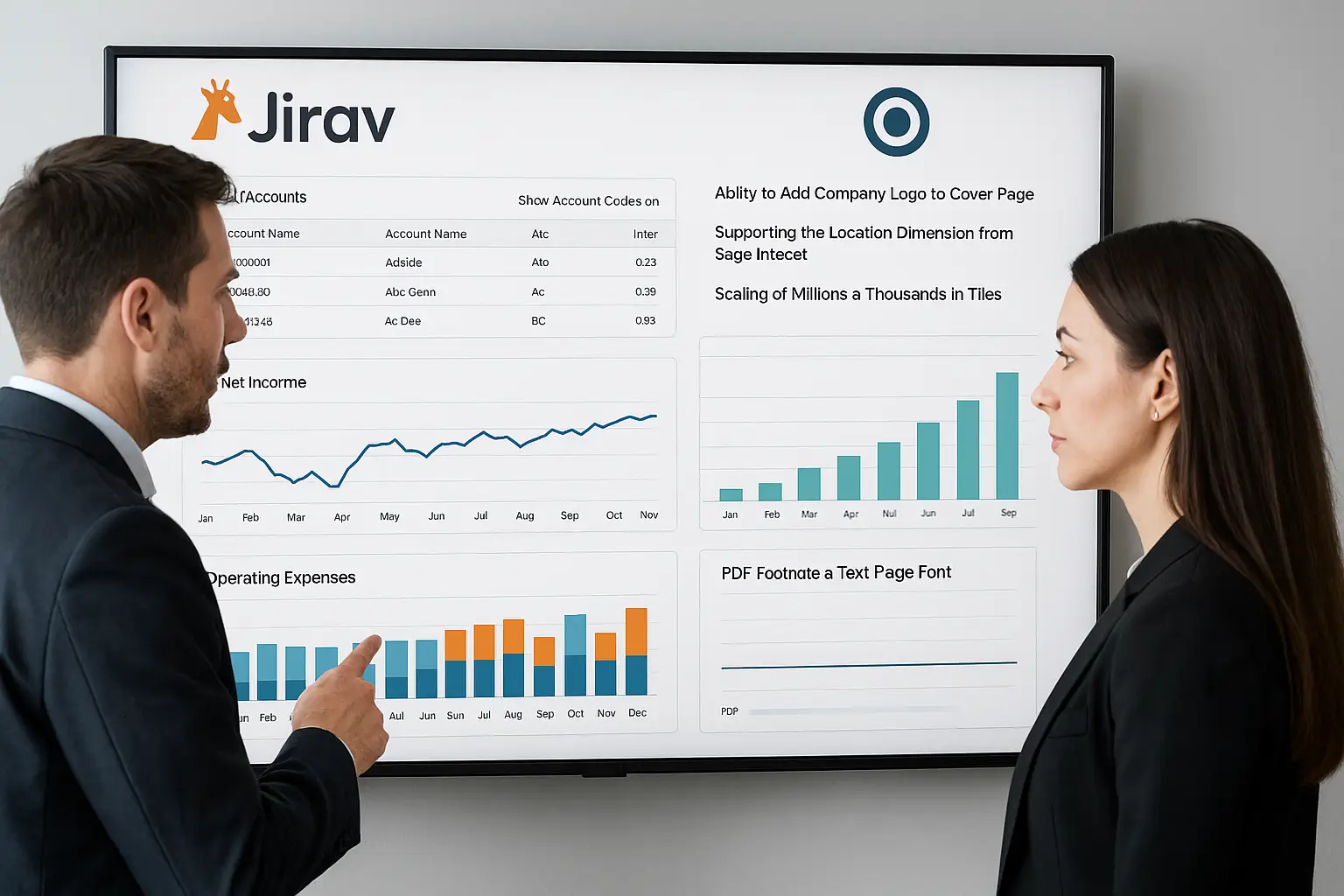
Jirav announces the rollout of its Jirav 25.07 update, incorporating significant enhancements designed to optimise the user experience. This version, updated through July, introduces new visualisation options, enhanced report customisation, and improved support for accounting integrations, particularly with Sage Intacct.
Improved account readability with GL codes
First major new feature: users can now display general ledger account (GL) codes directly in reports. This feature, available via the Reports > Edit Columns menu, allows users to select the “Show Account Codes” option. However, it is only operational if the chart of accounts is configured to automatically mirror into the general ledger.
Report customisation with logos
Jirav is also focusing on visual identity. It is now possible to add the company’s or partner’s logo to the cover page of reports. This option is available in Reports > Report Settings, providing a more professional and consistent presentation of shared documents.
Enhanced integration with Sage Intacct
A major advancement for multi-site companies: the tool now supports the “Location” dimension when connecting to Sage Intacct. Users can import departments or locations via Settings > Integrations, strengthening the accuracy of budget analyses.
Improved data scaling in tiles
In terms of visualisation, values displayed in tiles are now automatically adjusted to thousands or millions, according to the left axis. This enhancement ensures graphical consistency and smoother interpretation of financial indicators.
Improved readability in PDF reports
Finally, Jirav improves the readability of text pages and footnotes in PDF reports. Fonts are now black and bolder, improving the clarity and visual quality of generated documents.
source: help.jirav.com