body {
font-family: Arial, sans-serif;
line-height: 1.6;
margin: 20px;
}
h1, h2, h3 {
color: #2c3e50;
}
h1 {
border-bottom: 2px solid #2980b9;
padding-bottom: 10px;
}
.section {
margin-bottom: 40px;
}
.news-item {
margin-bottom: 20px;
}
.news-item h3 {
margin-top: 0;
}
.announcements ul {
list-style-type: disc;
margin-left: 20px;
}
.date {
color: #7f8c8d;
font-size: 0.9em;
}
Highlights of the latest Planful enhancements: template sharing, customisation in Workforce Pro and improved filters!
10 April 2025
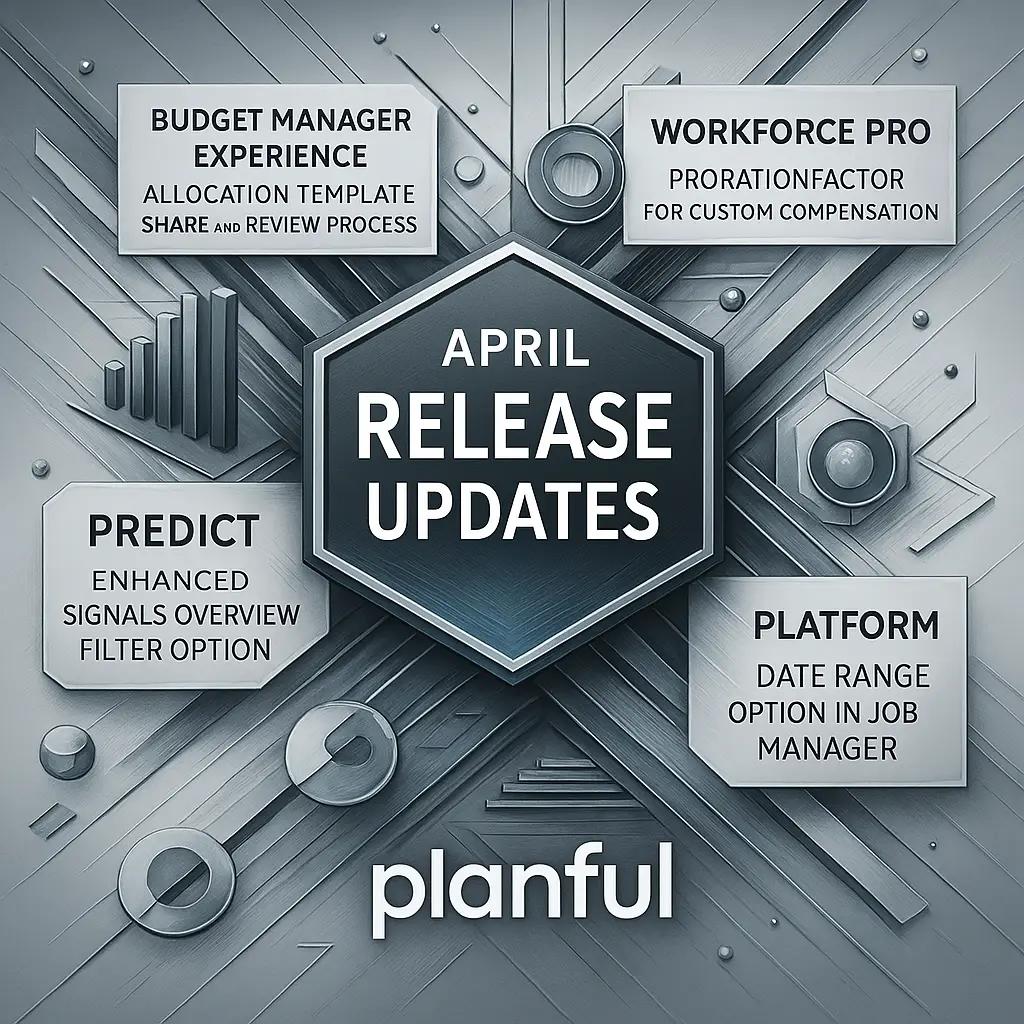
Planful continues its in-depth transformation of the user experience with a new series of enhancements announced in its April 2025 update. The new features are aimed at both budget managers and users of the Workforce Pro, Predict, and Job Manager modules. Here is an overview of the key developments:
1. Budget Manager Experience: collaborative sharing of allocation templates
Planful introduces a template sharing feature via the Share Template option, enabling budget managers to receive and view multiple templates from a single space. These templates now appear directly in the Open Items tab, where they can be reviewed and marked as “completed”, synchronising their status in real time within the budget management environment.
2. Workforce Pro: customisation with ProrationFactor
The ProrationFactor feature is now available in the Workforce Pro module, enabling advanced customisation of compensation calculations. This new feature gives HR professionals greater flexibility to manage salary adjustments based on periods worked.
3. Predict: more granular filters for signal analysis
The Signals Overview space now includes an improved filtering option thanks to the new Filter By function. Users can now select members across various dimensions, customise their display, and apply these filters to refine their analysis. The result: a more intuitive interface and more targeted decision-making.
4. Job Manager: performance gains with the date filter
In response to performance issues related to data volumes, Planful has redesigned its Job Manager by introducing a date range filter. By default, only jobs from the last three days are now loaded, with the option to filter by Today, Last 7 days, Last 30 days, or a custom range. This enhancement significantly improves loading times and platform responsiveness.
source: help.planful.com
> Log in to comment