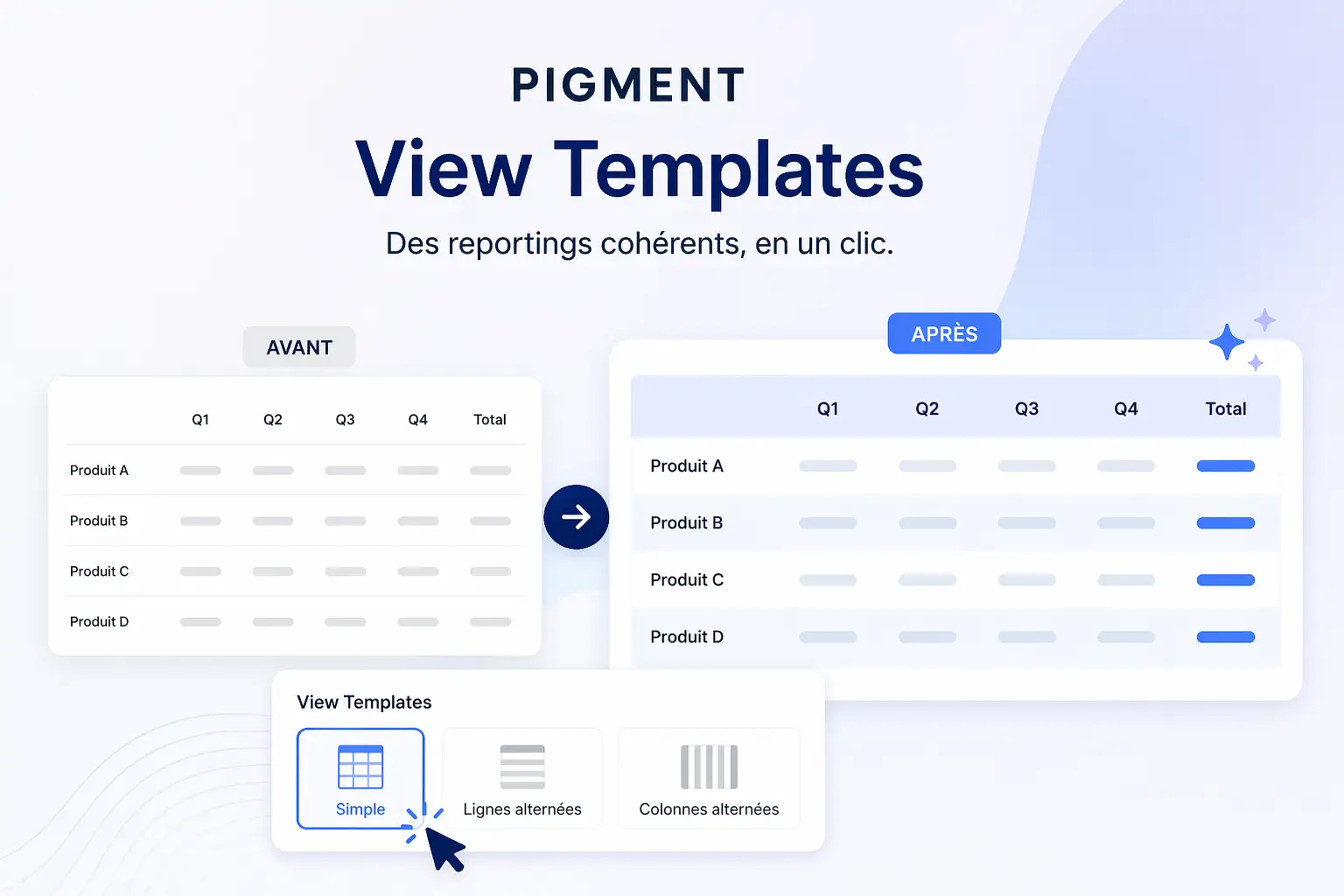
In a context where finance and operational teams are seeking greater efficiency and consistency in producing their reports, the Pigment platform introduces a feature dedicated to optimising data formatting: “View Templates”.
This feature is part of an approach to industrialising reporting, enabling users to quickly standardise the appearance of their tables and analyses without having to manually recreate styles for each new view.
A standardised approach to data presentation
View Templates are predefined formatting templates that can be applied to different types of views within Pigment. They enable data to be displayed consistently, while automatically adapting to changes in models and data.
The objective is twofold: reduce the time required to configure reports and ensure visual consistency across the organisation.
Several templates tailored to viewing needs
Pigment offers several types of templates depending on visualisation needs:
- The simple template, which enables cell and header styles to be defined in standard views
- Alternating rows, designed to improve the readability of long tables
- Alternating columns, particularly useful for wide data matrices, especially across time dimensions
These options are designed to make data easier to interpret by making tables more structured and readable.
A clear hierarchy of formatting rules
The formatting system is based on a precise hierarchy. View Templates form the basis of the display, but can be adjusted or overridden by other formatting levels:
- View template
- Default formatting
- Static formatting
- Conditional formatting
Conditional and static rules take precedence over the template, making it possible to highlight variations or key indicators in the data.
Flexible, centralised management
View Templates can be created, modified, duplicated or deleted directly from the application settings or from an existing view. Their centralised management enables organisations to maintain reporting consistency while allowing users a degree of customisation.
They can also be applied to an existing view in just a few clicks, then adjusted as needed.
An efficiency driver for finance and data teams
With this feature, Pigment strengthens its position in the planning and reporting platform market by offering an approach focused on productivity and standardisation.
View Templates help reduce repetitive data-formatting tasks while improving the readability and quality of the analyses produced.
source: Pigment