Pigment continues to develop its artificial intelligence environment by enabling its agents to work directly with files within conversations. This feature expands the ways Pigment AI can be used, making it easier to analyze documents, create files and manage content directly from the platform.
A range of file formats accessible to AI agents
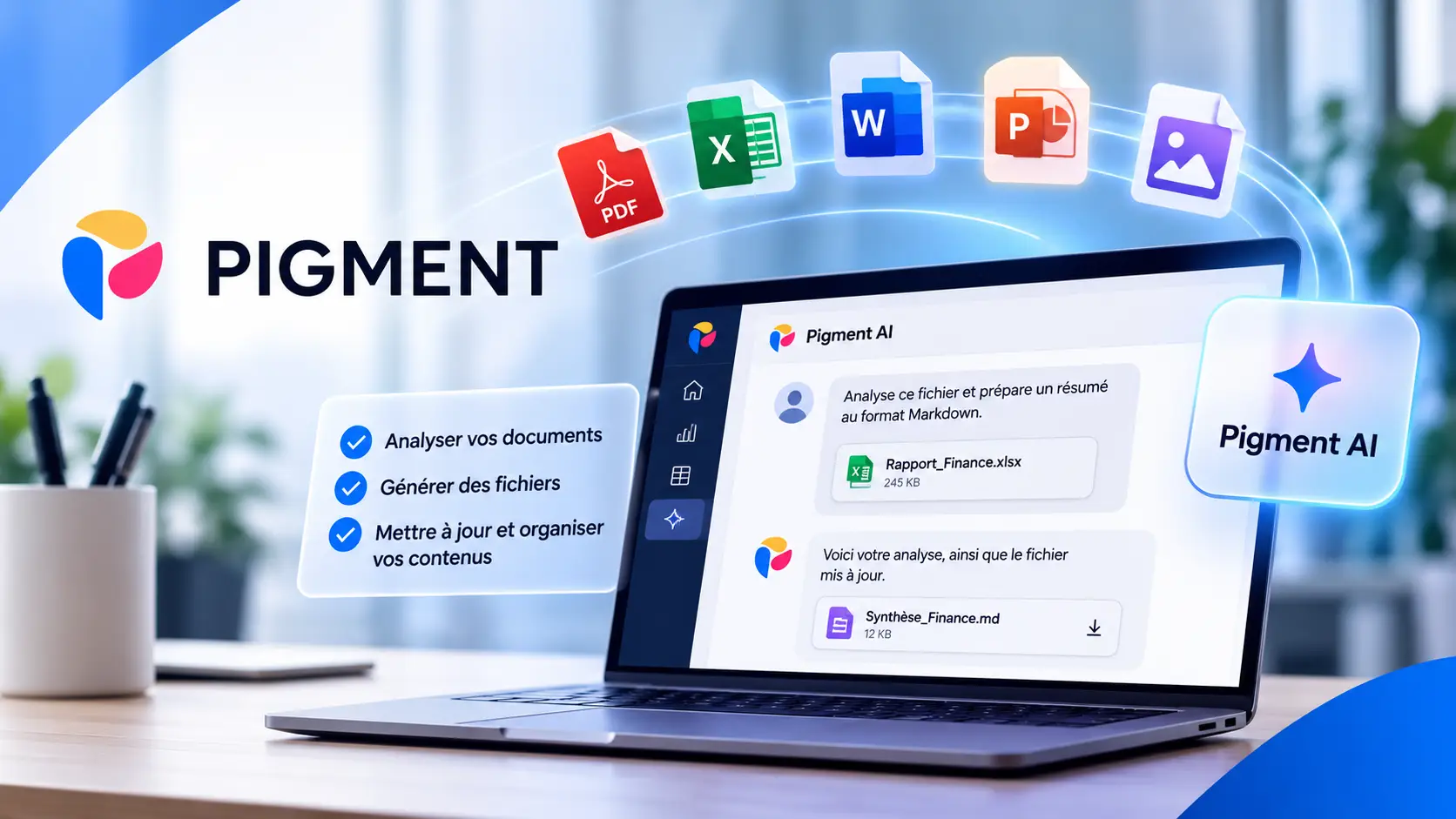
Modeler, Analyst and Custom Agents can now work with several categories of documents provided by users. Supported formats include PDFs, PowerPoint presentations, Word documents, Excel and CSV files, as well as images, screenshots and text files.
This support makes it possible to analyze tables, formulas, relationships between workbooks and visual elements embedded in documents. Teams can therefore use their own documentary resources in their interactions with the agents, without having to systematically re-enter the information.
Files can be added directly from a conversation or shared from Pigment’s Files space. The platform allows up to ten attachments per conversation, subject to the defined size limits.
Creating and managing documents from conversations
Beyond reading and analysis, AI agents can also generate new files based on users’ instructions. For example, users can ask them to produce a CSV file, write a summary in Markdown format or create a document from the available data.
Generated files can then be saved in Pigment application storage spaces. Users can also ask the agents to update existing documents, move them between different applications or delete files that are no longer needed.
These operations remain governed by the permissions granted to users. Pigment specifies in particular that approval is requested before any file is modified or deleted, in order to limit the risks associated with operations on shared resources.
Integrated security controls for file processing
The integration of these features is accompanied by a verification mechanism designed to identify content that may contain malicious instructions targeting AI agents.
To achieve this, Pigment relies on Model Armor, a Google Cloud service, using its filters to detect prompt injection attempts and attempts to bypass instructions.
This control is automatically applied to files smaller than 4 MB. The platform nevertheless specifies that this mechanism is not an antivirus scan and does not search for sensitive data or malicious links. Files exceeding this size can be added after a security warning.
An evolution focused on operational use cases
With this development, Pigment brings its AI agents even closer to the documents and data used daily by businesses. For finance teams, this approach can make it easier to leverage reporting files, tracking tables, working documents and planning materials.
The goal is to enable users to move more easily from analyzing information to turning it into a deliverable, while keeping their interactions within the Pigment environment.
This feature, detailed in Pigment’s documentation, illustrates the gradual expansion of the role of AI agents in the platform’s workflows.
Source: Pigment