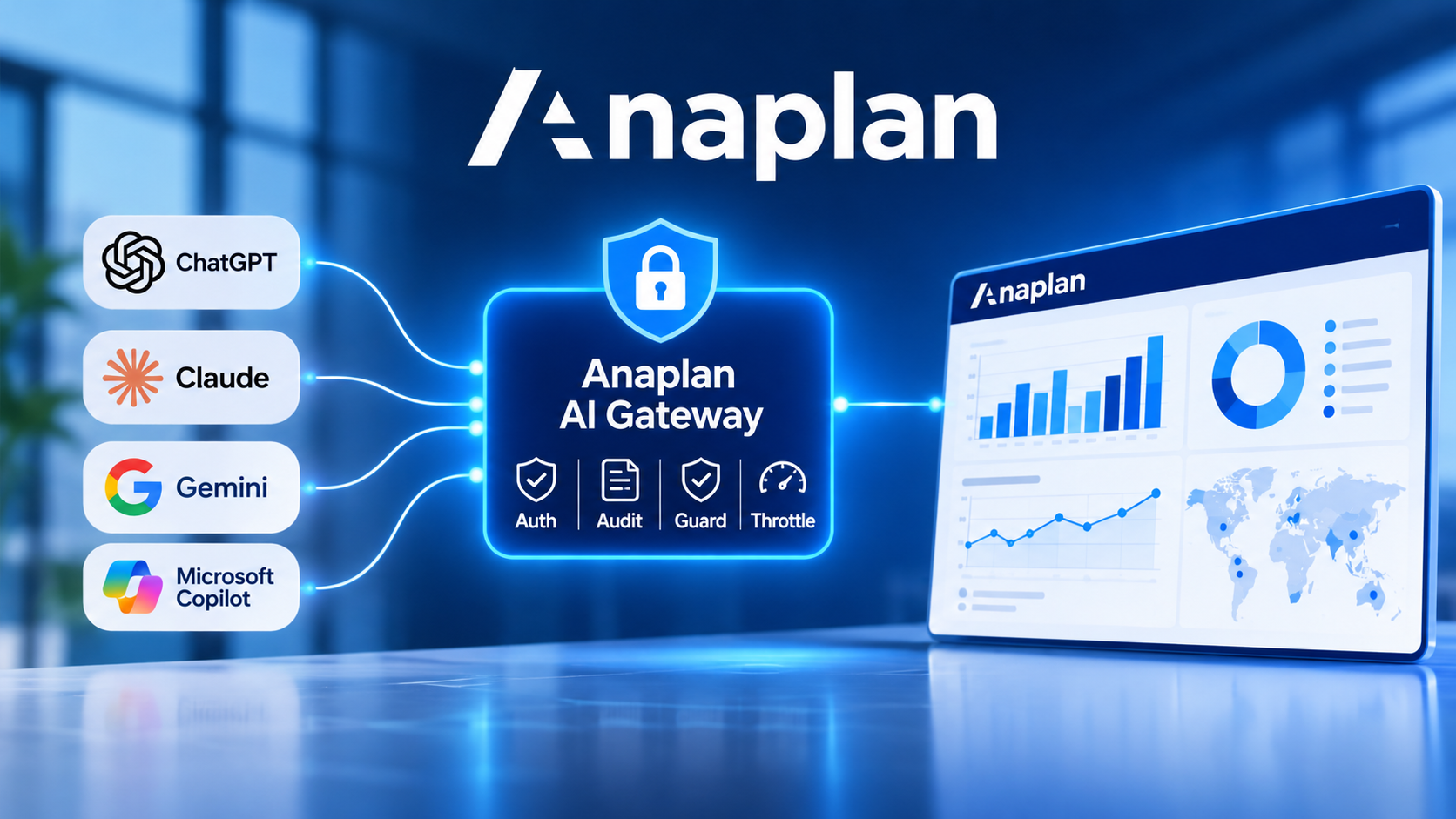
Anaplan announces Anaplan AI Gateway, a new gateway that enables external artificial intelligence assistants and agents to connect to its planning platform. With this new capability, companies can use tools such as ChatGPT, Claude, Google Gemini and Microsoft Copilot to access Anaplan data and models, while retaining control over permissions and security. The aim is to facilitate exchanges between AI environments and planning systems without multiplying technical integrations.
Connecting AI assistants to the Anaplan environment
Anaplan AI Gateway establishes a connection between external artificial intelligence assistants and the data, calculation logic and models within Anaplan.
This connection is based on the MCP (Model Context Protocol), which enables AI assistants to communicate with external systems and data sources. The gateway therefore acts as an intermediary between the assistant and the Anaplan platform.
Users can, for example, ask questions in natural language to search for information in their models, consult planning data or obtain answers based on their Anaplan environment.
The benefit is that teams can use the assistants they already work with, without having to build a separate integration for each AI tool.
A connection that preserves existing permissions
One of the main challenges addressed by Anaplan AI Gateway concerns the protection of company information. The gateway relies on the permissions already defined in Anaplan to determine which data each user can access.
As a result, an external assistant can only view information accessible to the user who establishes the connection. Security rules and the rights associated with models therefore remain at the heart of the system.
Access provided by AI Gateway is currently limited to reading data. Connected assistants can view authorized information, but do not have the rights to modify models directly through this gateway.
Four mechanisms to secure exchanges
Anaplan AI Gateway incorporates four complementary control mechanisms:
Auth (authentication): verifies identity and the permissions required for the connection.
Audit (traceability): tracks interactions between AI assistants and Anaplan using information that can be used for audits.
Guard (protection): applies access controls to protect data and models.
Throttle (throttling): limits the volume of requests to manage demands on the platform.
These mechanisms enable companies to maintain visibility into exchanges between their AI tools and planning data.
Administrator-controlled deployment
Activation of Anaplan AI Gateway is controlled by platform administrators. It is carried out in Agent Studio, where an AI administrator can select the relevant workspaces.
New workspaces are not activated automatically. This configuration enables companies to choose the environments accessible to external assistants and verify the permissions associated with the data beforehand.
The connection also requires configuration of the external assistant, using the connection settings and authentication specified by Anaplan. The tools used must support compatible MCP connections.
Access to this feature is subject to a specific subscription. Companies should contact their Anaplan representative to learn about the commercial terms and activation process.
Controlled access to planning data
With Anaplan AI Gateway, the vendor aims to simplify access to its data from the artificial intelligence environments already present within companies. This approach brings conversational assistants closer to the information used for planning, while maintaining the platform's security and governance rules.
For organizations, the challenge is to make their Anaplan data more accessible to AI tools without giving up access control or interaction traceability.
source: Anaplan